Control panel features for everything your server hosts
These are UHost's control panel features today, on every plan. If it is on this page, it is built, tested and running on a real server.
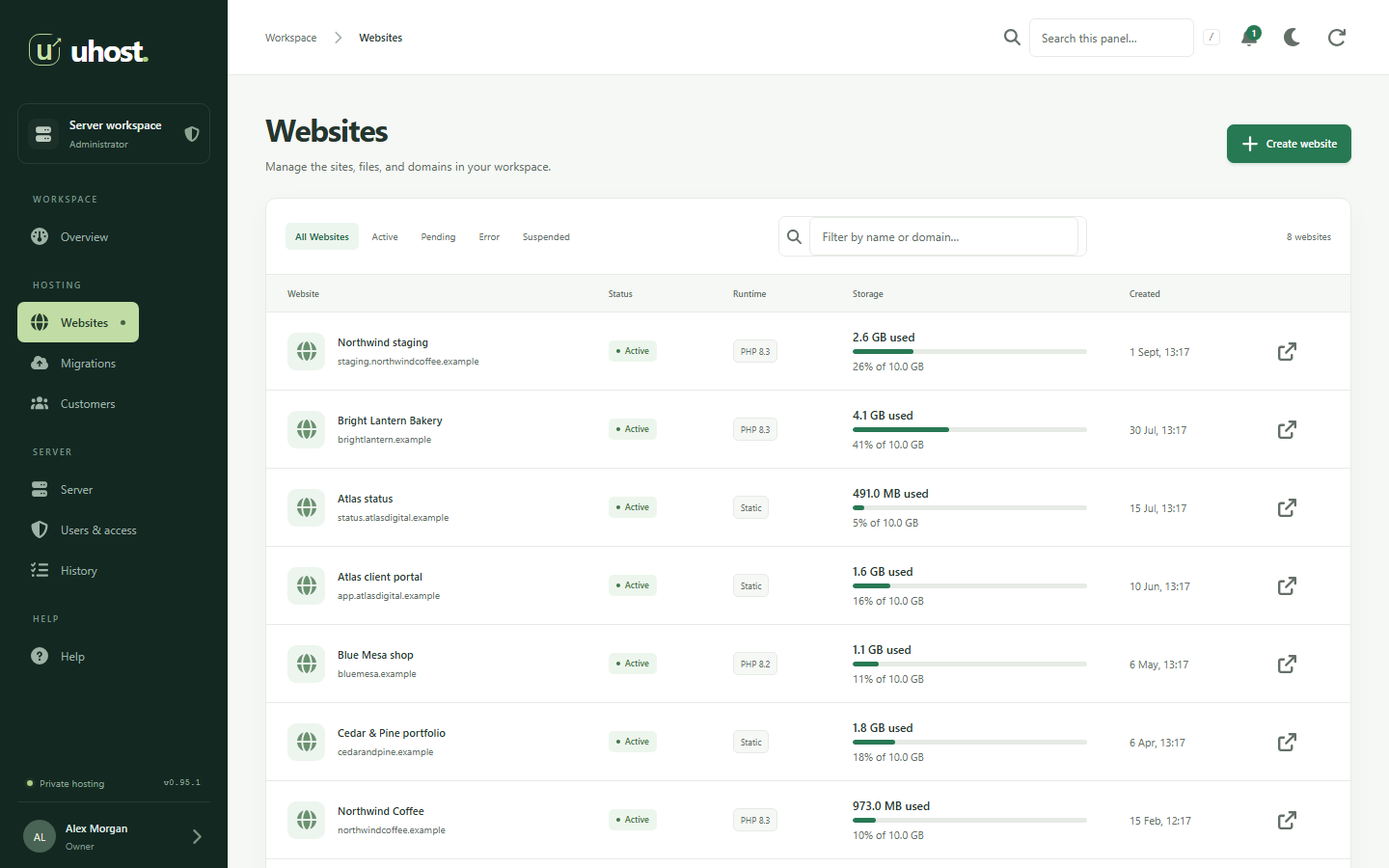
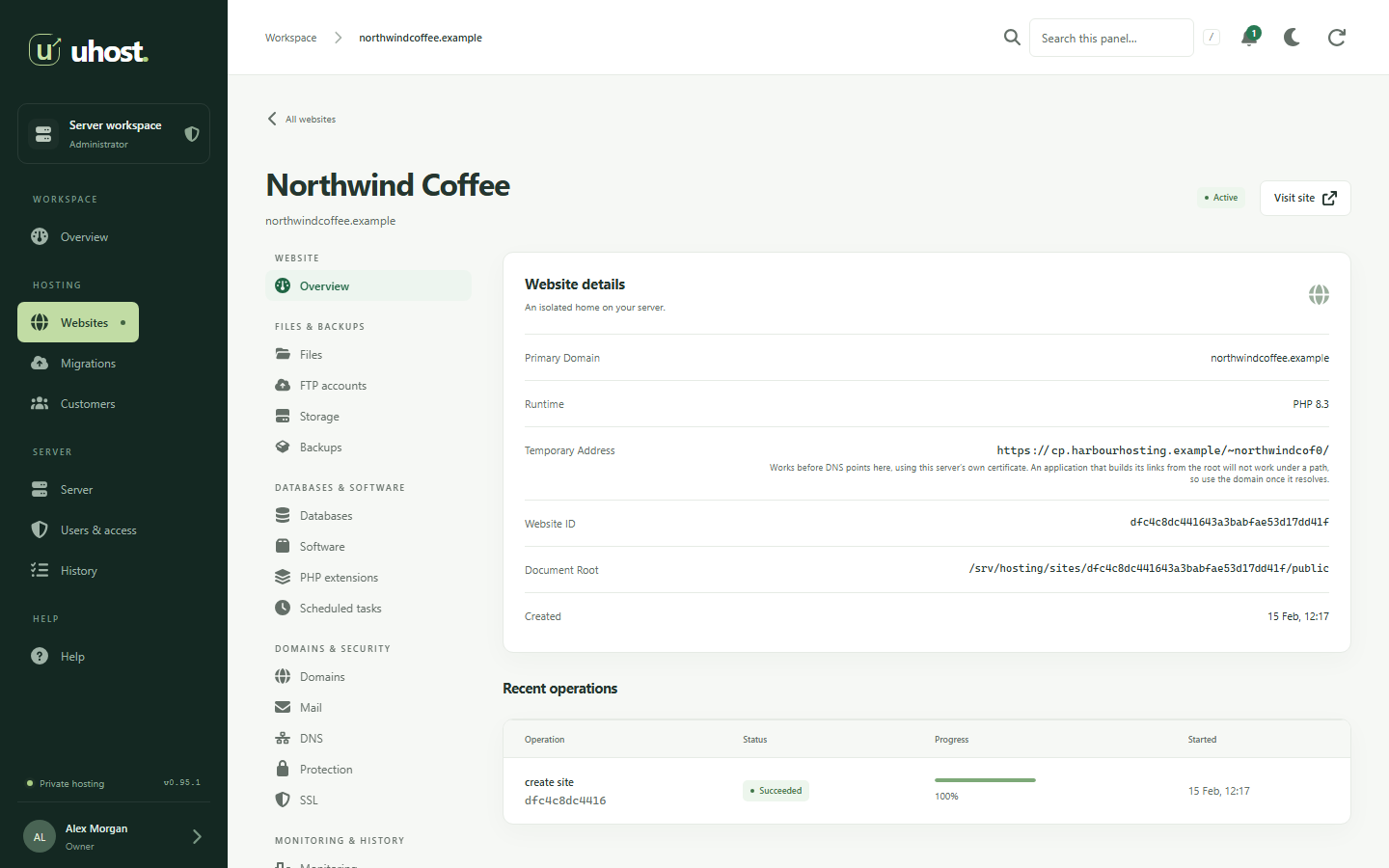
Websites
Every way a website runs, each one in its own Linux account.
- Static websites served straight from disk.
- PHP with a pool and account of its own for every website.
- Several PHP versions installed side by side and chosen per website.
- PHP settings and extensions per website, grouped by job.
- Node.js applications started, restarted and put behind Nginx with WebSockets.
- A reverse proxy to one approved upstream, or a restricted container.
- Additional domains, subdomains and a temporary address before DNS moves.
- A dedicated IP address for a website that needs one.
- CPU, memory and process limits, and storage quotas, per website.
- Scheduled tasks with their output kept.
- Website copies with their own database, for staging.
- Suspend a website and bring it back when you are ready.
SSL certificates
HTTPS without thinking about it, and without surprises when you do.
- Let's Encrypt certificates requested and renewed automatically.
- A domain added later joins the certificate within the hour of its DNS pointing here.
- Your own certificate: a wildcard, one from your own authority, or one issued elsewhere.
- Checked before it is installed, so a mismatched key or a reversed chain is caught, not deployed.
- The names a certificate does not cover are shown, so no visitor meets a warning.
- Keys stored where only root can read them, and never shown again.
Email hosting
Postfix and Dovecot, set up properly, managed from the panel.
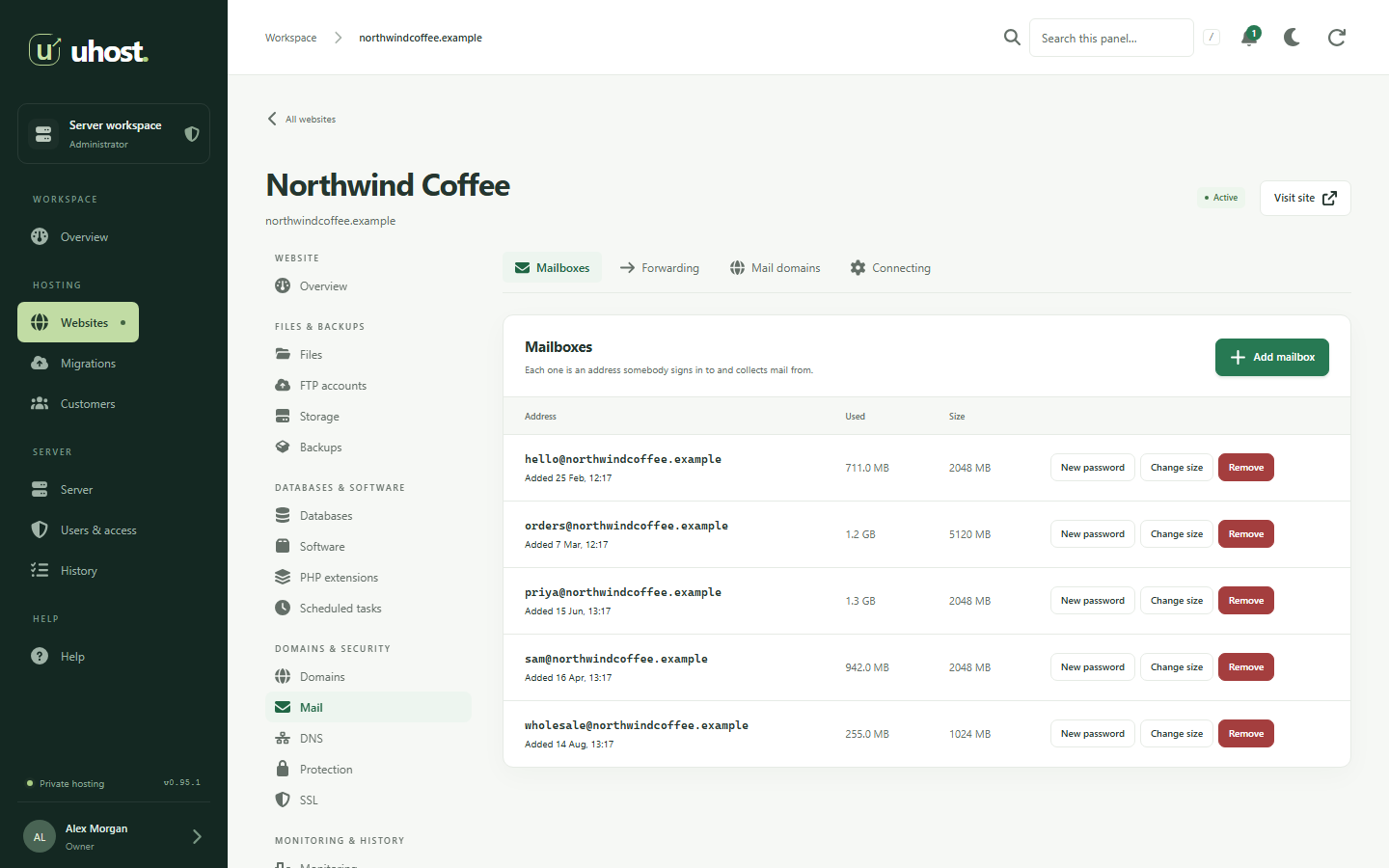
- Mailboxes at each customer's own domain, each with a size limit.
- Forwarding, and a copy kept of what a forwarding address sends.
- IMAP and SMTP over TLS on the standard ports.
- Roundcube webmail in the browser, with nothing to set up.
- DKIM signing for each domain, with the record published for you.
- Spam refused during delivery, and doubtful mail filed into Junk.
- mail. and smtp. of each domain, with certificates of their own.
- Automatic setup answered for Thunderbird and Outlook.
- MX, SPF and DMARC records shown, and published where UHost hosts the zone.
- Each mailbox sends only as itself, and sending is rate limited.
DNS
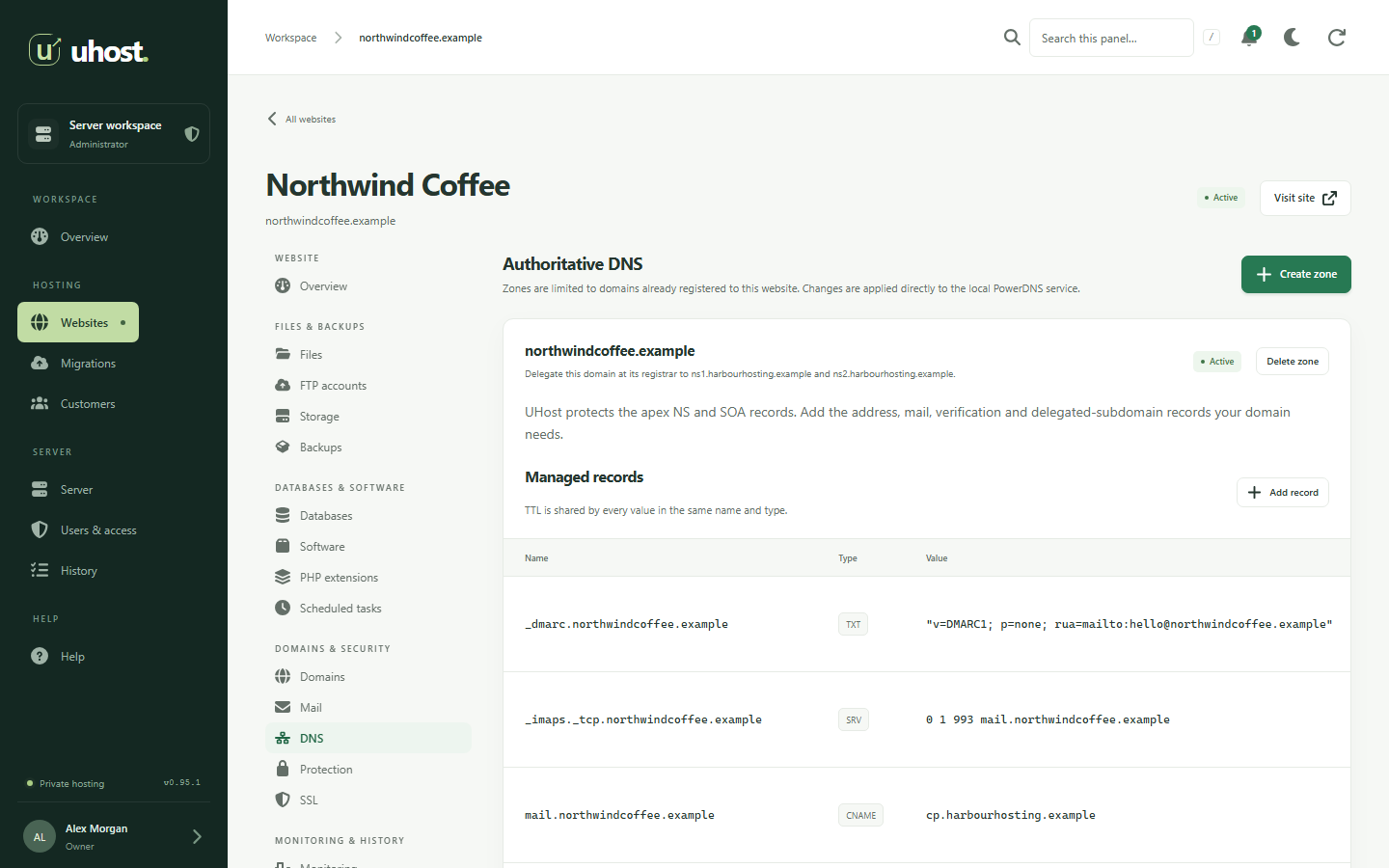
Authoritative DNS on PowerDNS, with your own nameservers.
- A, AAAA, CNAME, MX, TXT, SRV, CAA and NS records.
- Your own nameservers with their own addresses, set from the panel.
- A zone created with each website, with its address and www record.
- Mail records added for you when a domain starts receiving mail.
- IP addresses added to and removed from the server in the panel.
- A zone can only be claimed by the website that owns the domain.
Databases
MariaDB, with each website's databases kept to themselves.
- Databases and accounts isolated per website.
- SQL import of dumps up to 64 MB from the browser.
- Up to ten backups per database, downloadable and restorable.
- Storage limits per database.
- phpMyAdmin for when you want to look inside.
Files and transfer
Edit in the browser, or connect the tools you already use.
- A file manager to upload, edit, rename and delete.
- SFTP per website, locked to that website's own files.
- Extra file transfer accounts for people who need only files.
- Nothing runs from a folder an application writes to, so an upload cannot become a script.
Backups
On the server for speed, off it for safety.
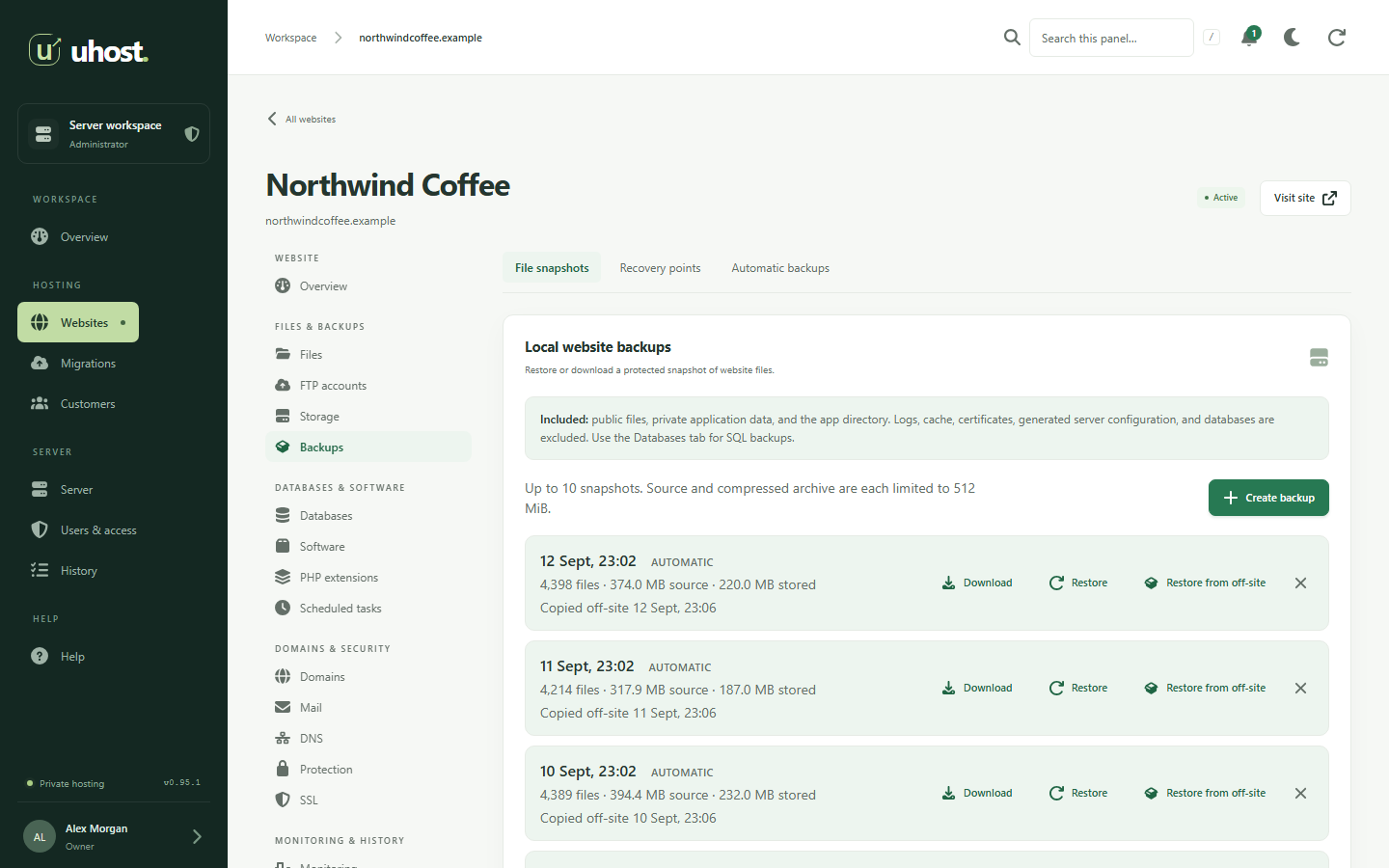
- File snapshots of a website, taken whenever you want one.
- Recovery points that capture every database, then the files, in that order.
- Daily or weekly schedules that keep up to seven.
- Off-site copies to S3-compatible storage or an SFTP server.
- Download or restore any of them from the panel.
- The panel itself backed up and restored from the command line.
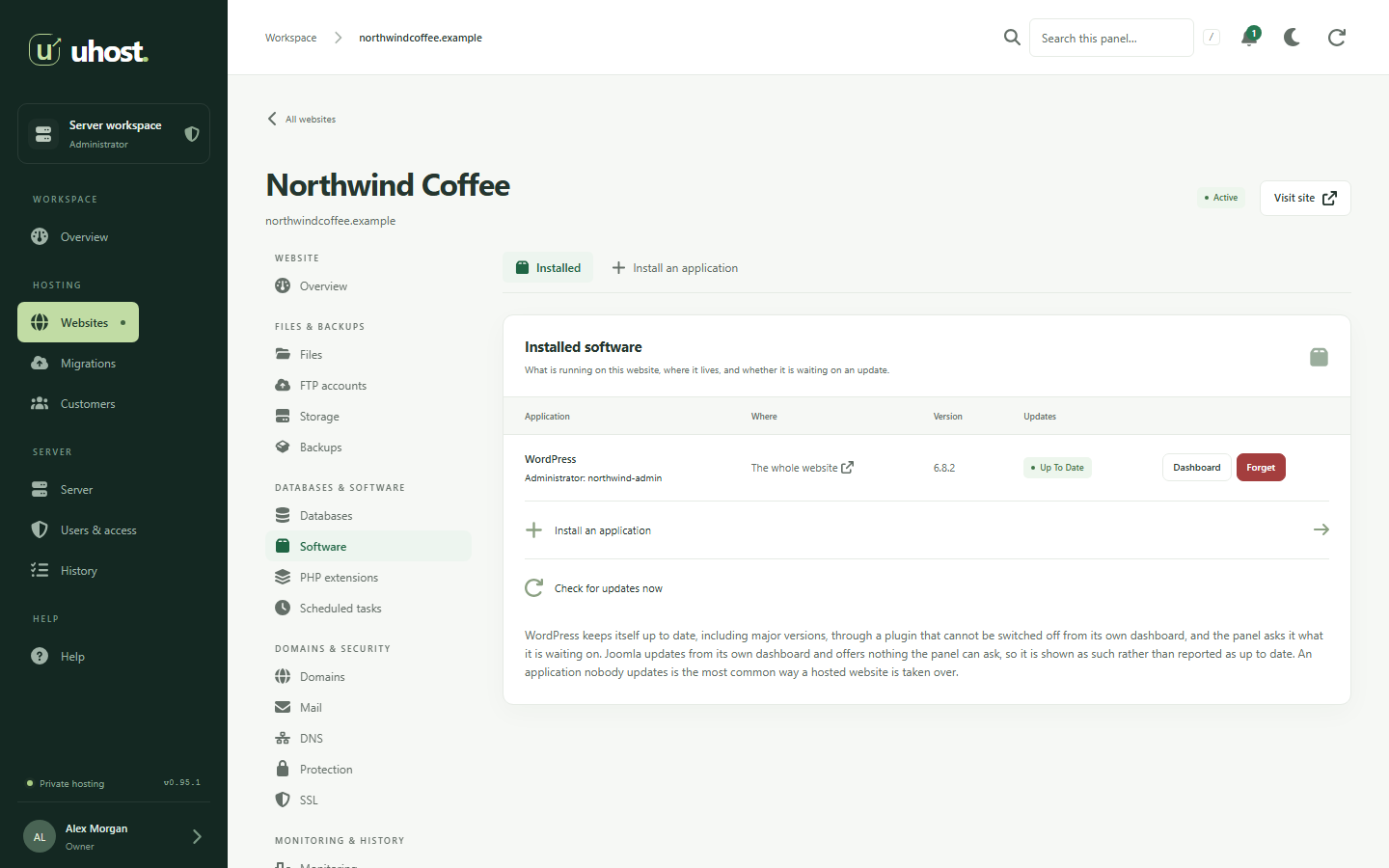
WordPress and Joomla
One click, and a download that has been checked twice.
- Installed into a website, or into a folder of one beside what is already there.
- Pinned versions checked against the publisher's own checksum before unpacking.
- The administrator account created, with the password shown to you once.
- WordPress keeps itself updated, and the panel shows what it is waiting on.
- A copied website gets its own database and secrets, so staging never touches live.
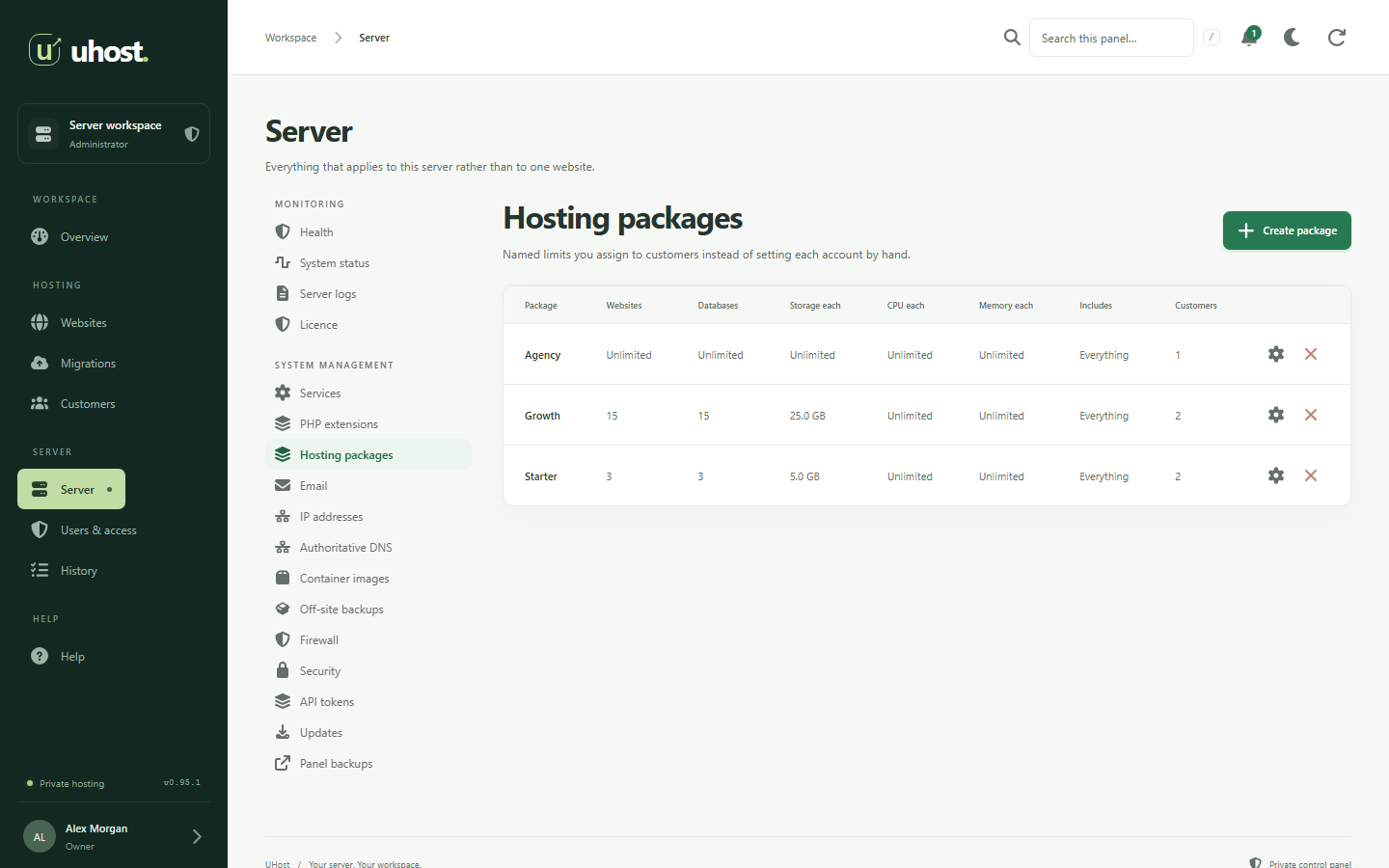
Customers and access
Host for other people without handing them your server.
- Customers with their contact details and a login of their own.
- Hosting packages that set what a customer may create.
- Allowances for websites, databases, mailboxes, backups and scheduled tasks.
- Roles: administrator, customer, developer and read-only.
- Access to one website granted without the rest of a customer's account.
- Sign in as a customer to see what they see, recorded as you.
- API tokens for scripts and billing systems.
- An activity record of who did what.
Migration
Start with the websites you already have.
- Pull over SSH from any Linux server you can sign in to.
- Archives and account backups read and explained before anything is created.
- Whole servers from the most widely used hosting panel, one customer per account, queued one after another.
- WordPress and Joomla pointed at their new database.
Security
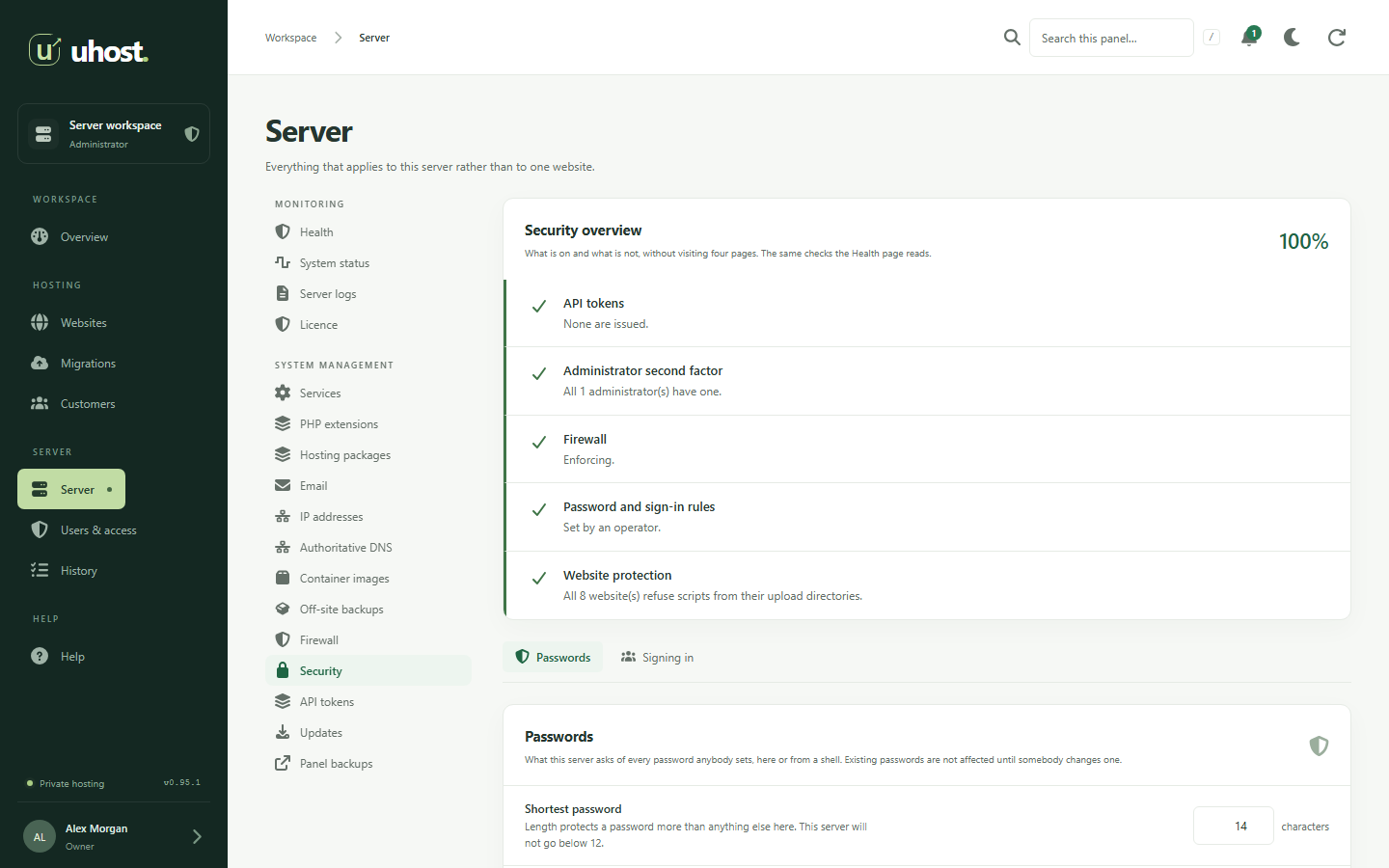
Safe settings on from the start, and a score for the rest.
- Two-factor sign-in with recovery codes.
- Password and sign-in rules for everybody on the server.
- Protection on every website against scanners, uploaded scripts and password guessing.
- A firewall that cannot lock you out of your own panel.
- A security overview that scores what is switched on.
- Signed updates that snapshot the panel before they start.
Running the server
Know whether the server is well without opening a terminal.
- A health page with a Fix it button wherever there is a fix.
- Alerts by email for the problems worth waking somebody for.
- Seven days of CPU, memory, load and disk, and each website's own usage.
- Services started, stopped and restarted from the panel.
- Server logs readable in the browser.
- Updates offered in the panel and installed with one button.
- Search the whole panel: a domain, a customer or a setting by name.
- A command line that checks, repairs and backs up the panel.
Questions
About the features
Does UHost include email hosting?
Yes. Mailboxes at your customers' own domains with IMAP and SMTP over TLS, Roundcube webmail, DKIM signing, spam filtering, forwarding and a size limit per mailbox. UHost publishes the records mail needs where it hosts the domain's DNS, and answers the automatic setup Thunderbird and Outlook look for.
Does UHost install WordPress?
Yes. WordPress and Joomla install into a website, or a folder of one, from a download checked against its published checksum, with the administrator account created for you. Copying a website gives the copy its own database, so a staging site is a real staging site.
Can my customers sign in to UHost?
Yes. Each customer gets a login that sees only their own websites, within the allowances of the hosting package you give them. People can also have narrower roles, such as a developer or a read-only account.
Your servers, without the per-account bill.
UHost launches 13 October 2026: the whole panel free for one website, and Pro for unlimited websites on a server.